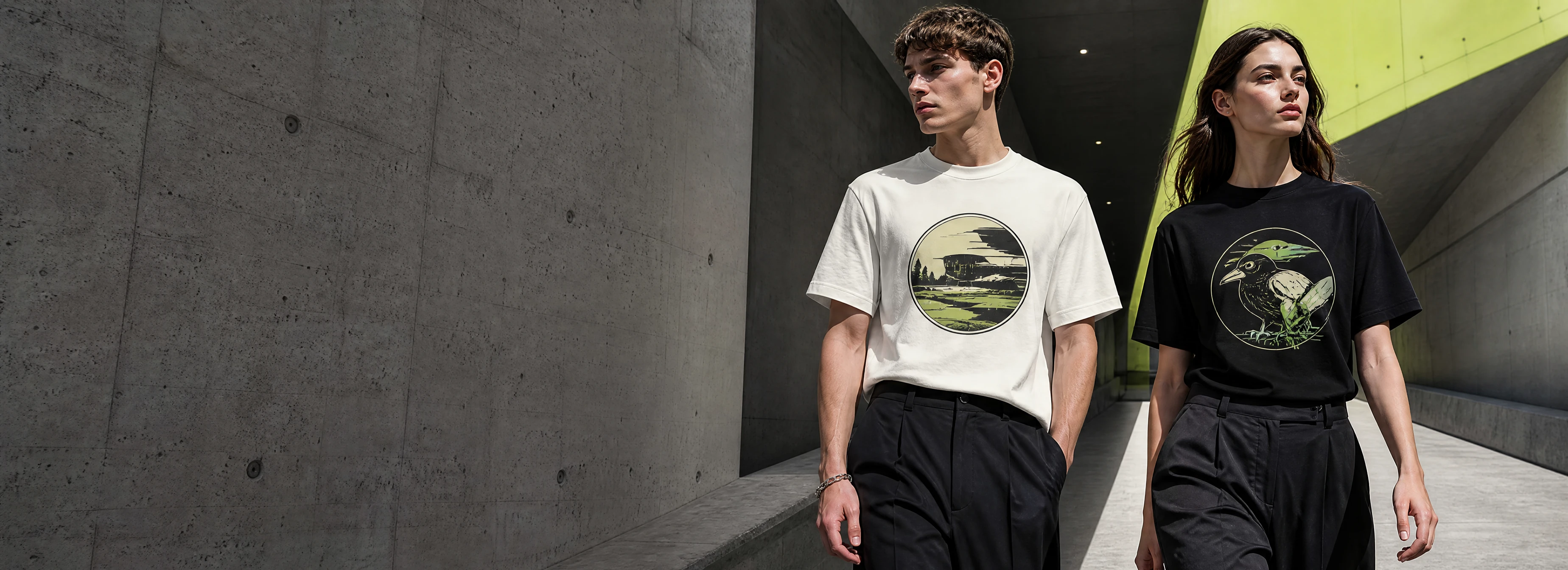
NEW
Wear the idea
before it is final.
Four focused questions turn your reference into an original graphic designed for a black or white tee.
NEW
Four focused questions turn your reference into an original graphic designed for a black or white tee.
HOW IT WORKS
Each question locks one decision: content, design language, visual priority and garment execution.
Upload a reference and identify the subject, wording or feature that must stay.
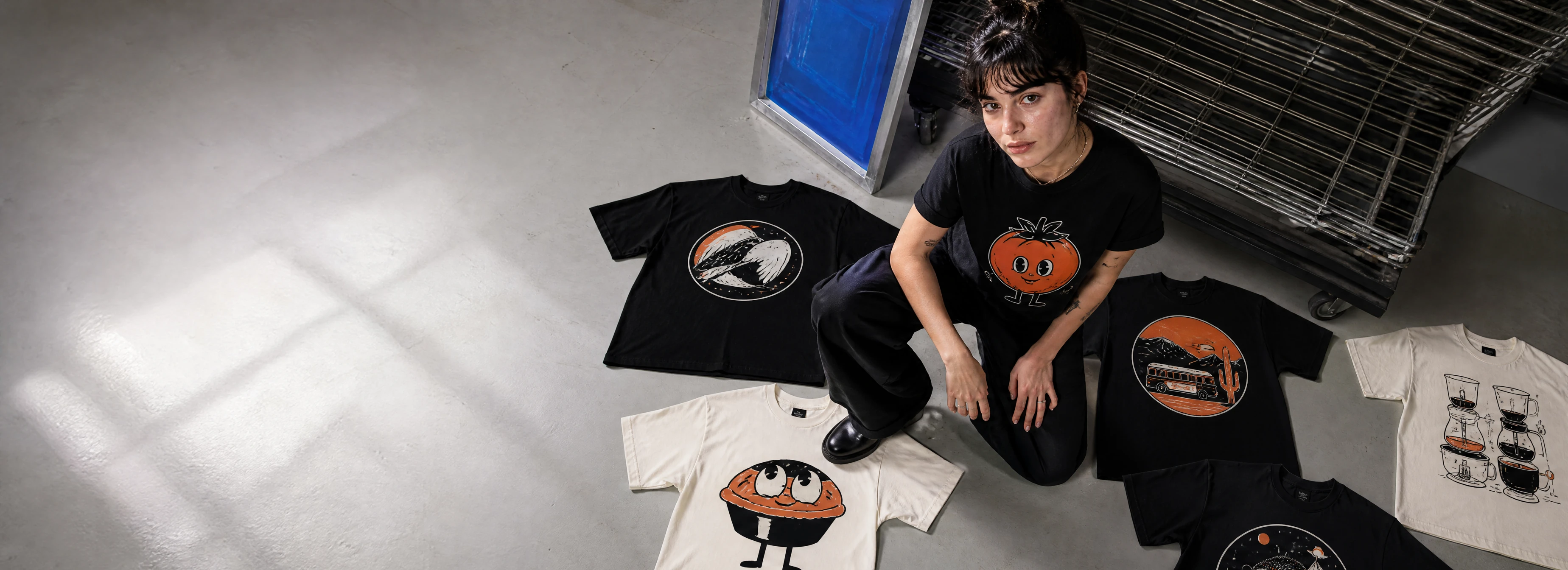
Pick one of six design languages, then set the energy from everyday to bold.
Choose whether the subject, type, a balance of both or a symbol leads.
Choose the shirt color, print position and print finish before generating.
DESIGN STYLES
Style cards define a visual language without copying an existing work. Your subject and exact wording remain the source.
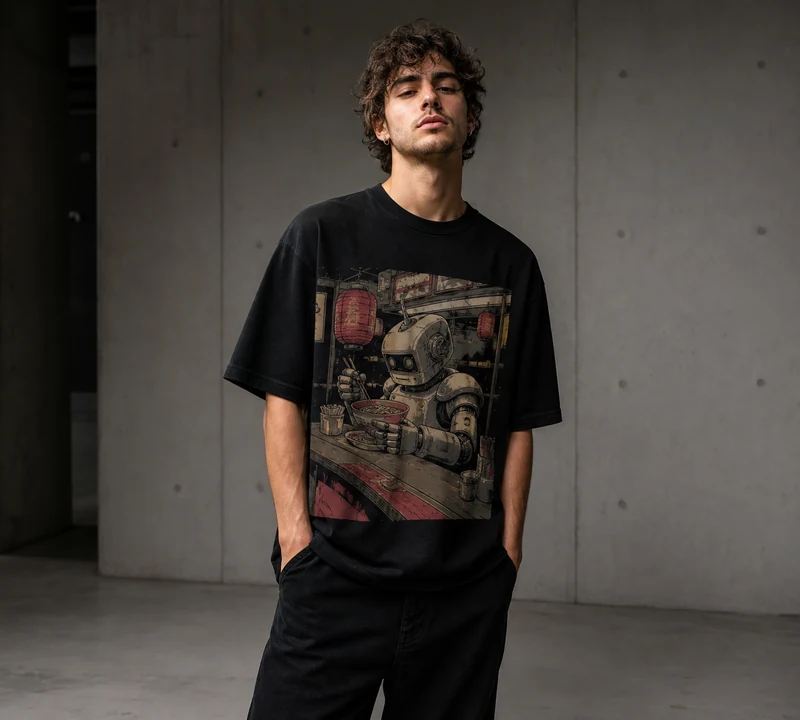
WEARABILITY FIRST
The system considers shirt color, printable area, graphic scale and how the garment sits on a person.
Choose your styleREAL-LIFE CONTEXT
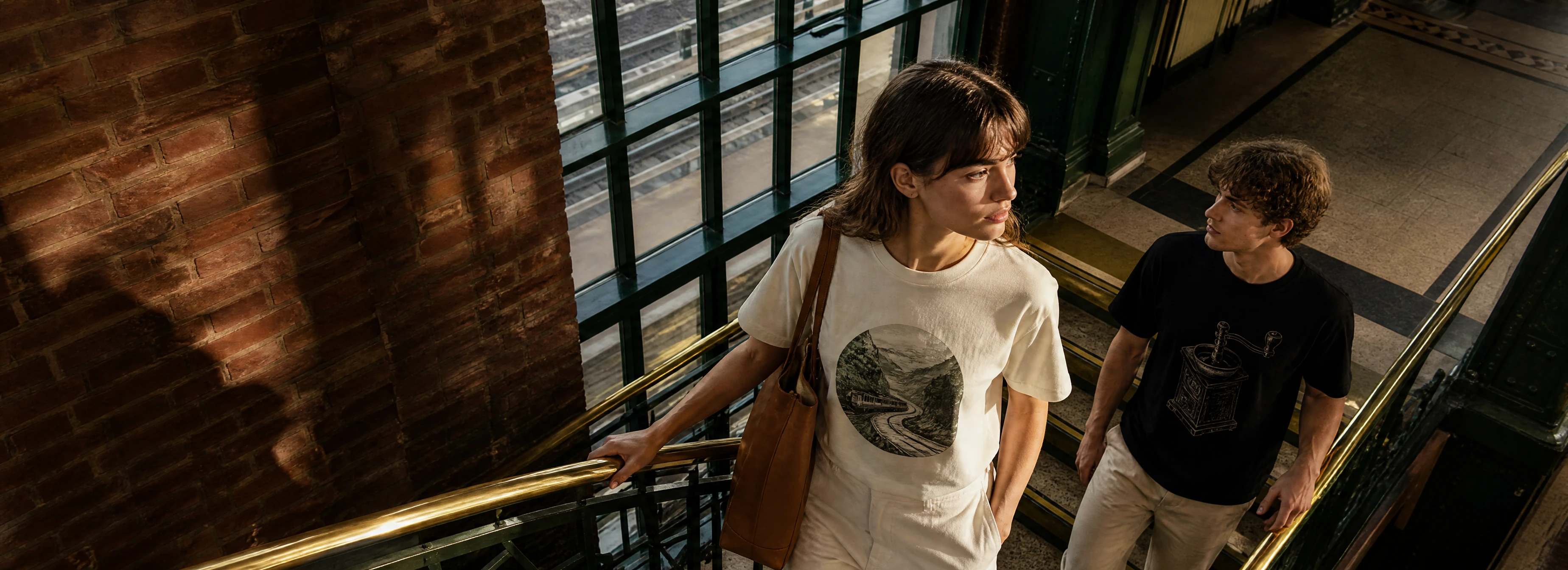
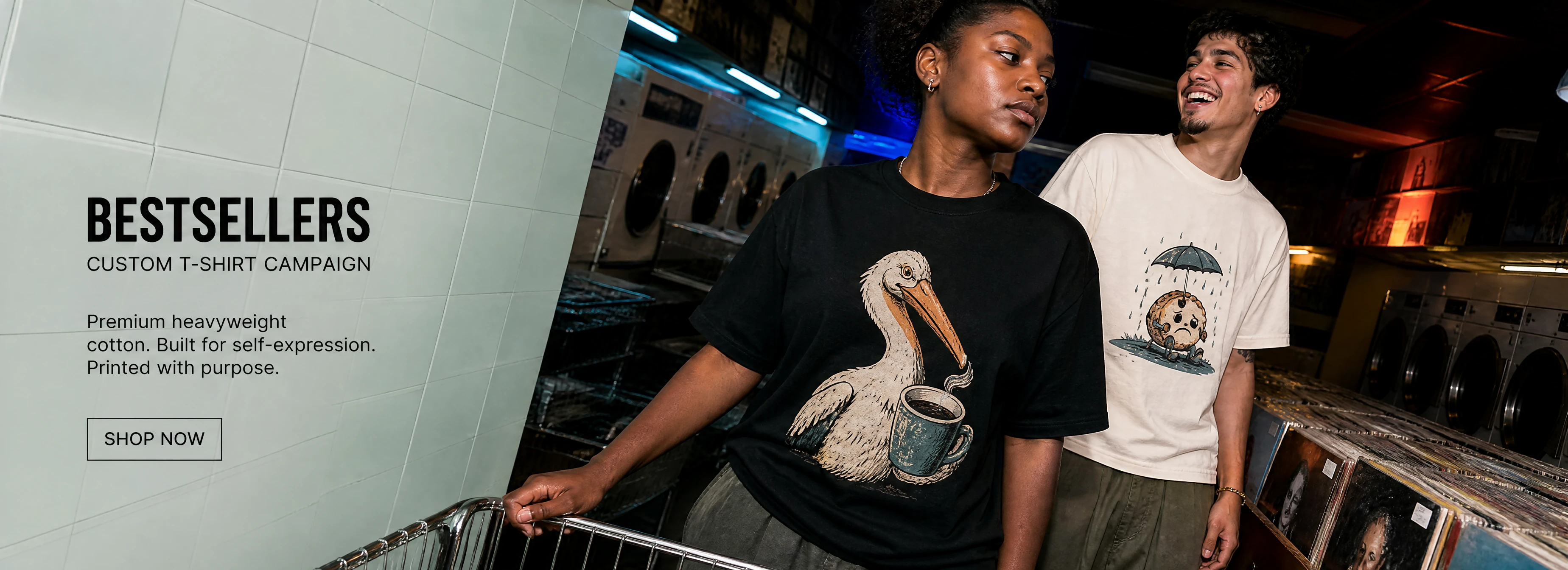
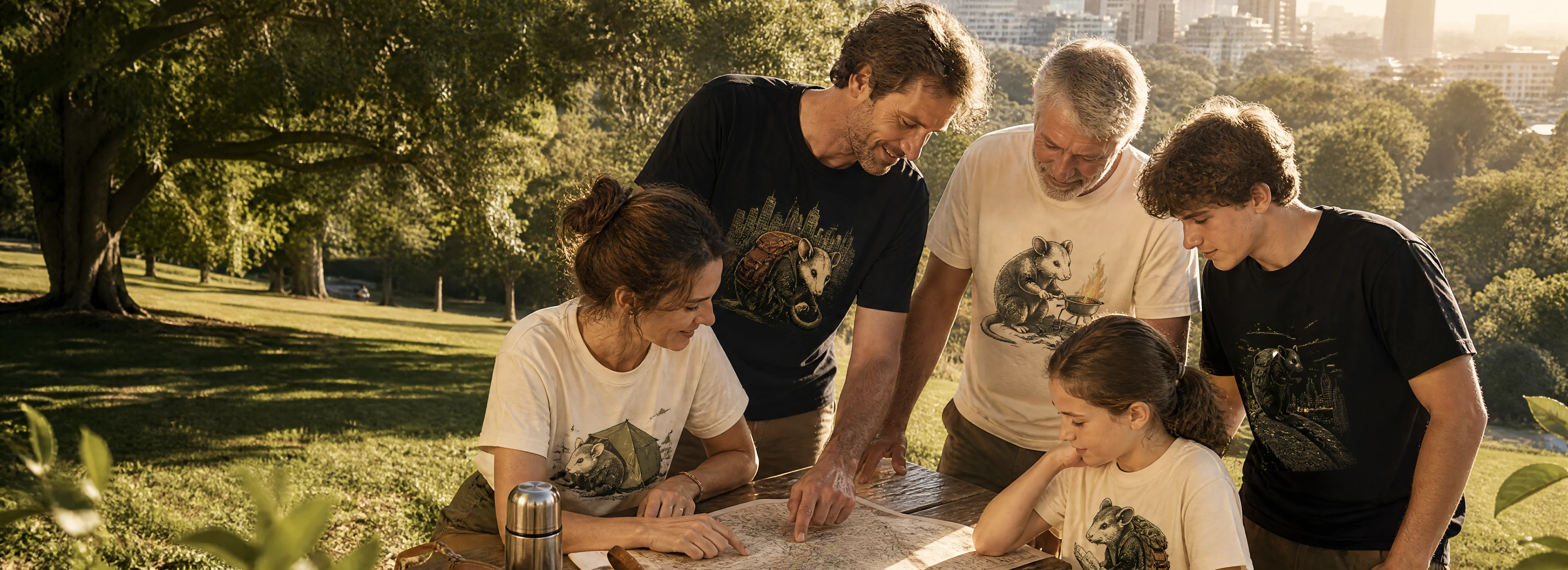
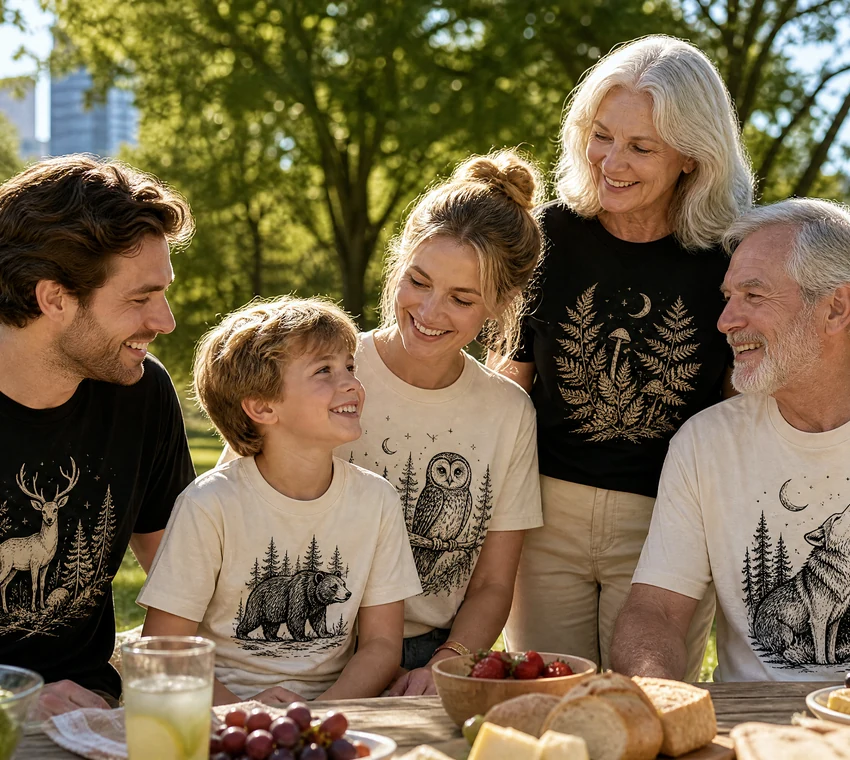
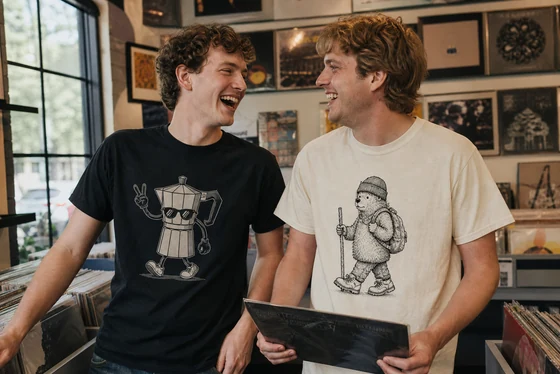
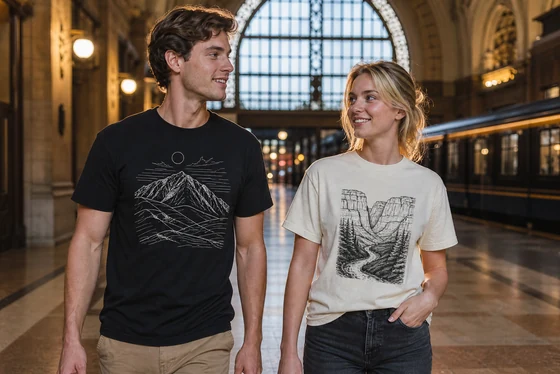
Front, back, solo and group views show whether the graphic stays clear and feels natural in motion.
DETAILS
Cotton texture, collar construction and print edges make the result easier to evaluate.
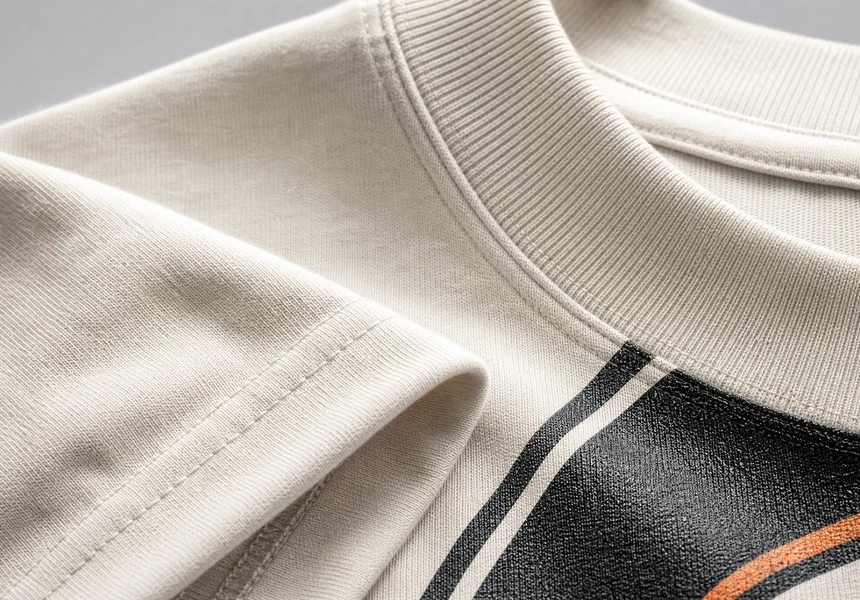
Contrast and negative space are adjusted for the base color instead of simply swapping the background.
Choose left chest, centered front, full front, full back or a small-front and large-back set.
Wording, subject, color, placement and visual intensity can all move into another round.
START DESIGNING
Review the complete prompt first, then use KIE GPT Image 2 to generate a realistic garment concept.
Checking image-generation service
COMPARE DIRECTIONS
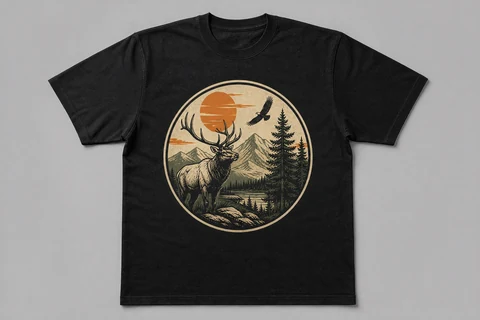
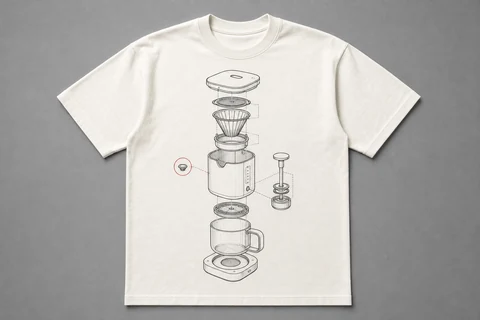
Each route keeps the same brief while changing composition, visual density and print scale.
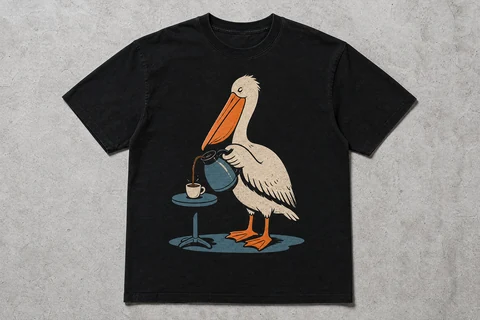
SPECIFICATIONS
Production specifications depend on the final garment SKU. This page shows what the design workflow controls today.
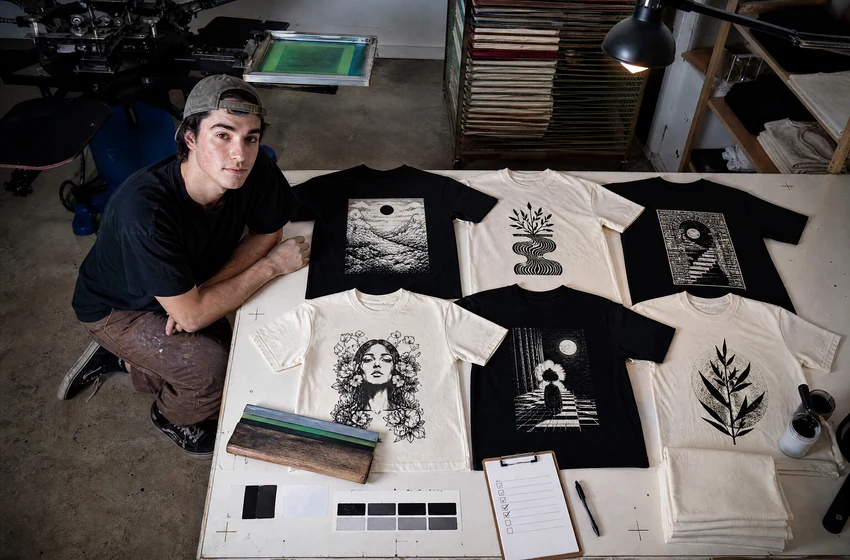
A VISIBLE PROCESS
FAQ
Yes. The current flow uses one image to lock the subject or its recognizable features. It can be a pet, sketch, object or other material you have the right to use.
Yes. Choose a direction, then refine wording, color, subject relationships, graphic size and placement.
Only upload and generate material you have the right to use. The system should not reproduce protected characters, trademarks, teams, schools or slogans.
The concept confirms composition, shirt color and wearability. Final production still requires checks against the actual garment, size and print method.
Usually under a few minutes, depending on image-processing demand and service availability.
10 / 10
Turn the detail that matters most into a T-shirt you would actually wear.
Start designing